Table of Contents
- The Easy Way to Capture Life Stories Without Typing
- What You'll Need Before You Start
- Step 1: Choose Your Recording Method
- Step 2: Use Interview Questions for Elderly Relatives to Guide the Conversation
- Step 3: Turn Recordings into Text with Voice-to-Text Biography Tools
- Step 4: Learn How to Transcribe Oral History Accurately
- Step 5: Organise and Store Your Family Stories Securely
- Common Mistakes to Avoid When Capturing Life Stories Without Typing
- Frequently Asked Questions
Last Updated: September 20, 2026
The Easy Way to Capture Life Stories Without Typing
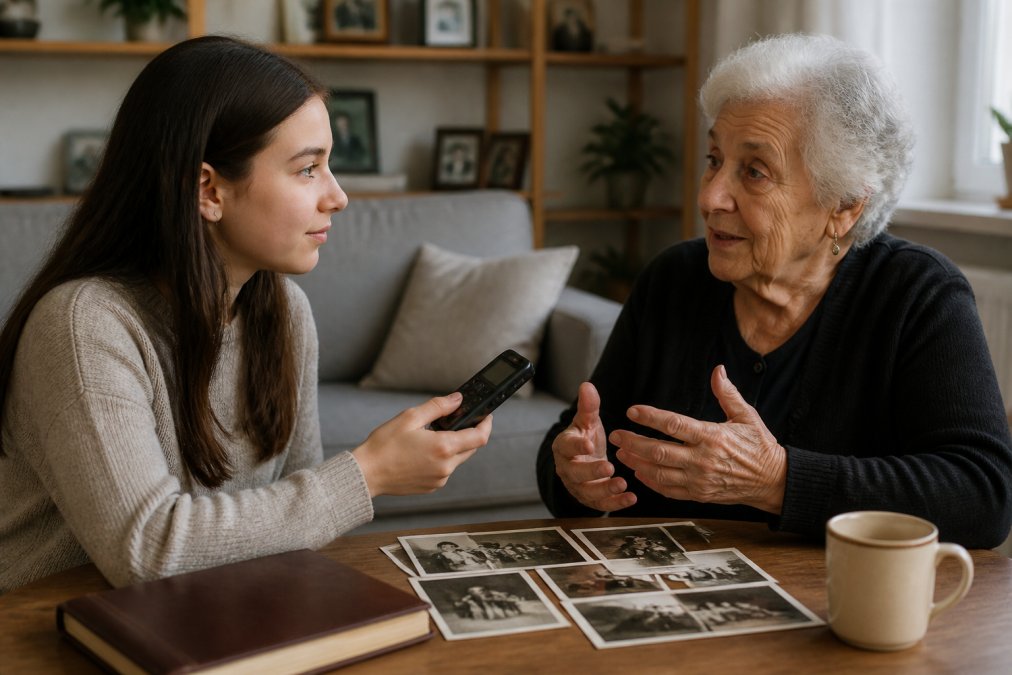
Capturing life stories without typing is the practice of recording a relative's memories using voice, video, or guided conversation, then turning those recordings into a written record later. This guide from ContinUnity walks through the full process, from choosing a recorder to storing the finished story safely.
Here's the good news: you don't need a keyboard, and your relative doesn't either. A smartphone, a quiet room, and the right questions will do most of the work.
Most families put this off for years. Then a parent's memory fades, or a grandparent passes, and the stories go with them. That's the real cost of waiting.
The Oral History Society's guidance on recording family memories is clear on one point: spoken memory is a primary source. Once it's gone, it can't be recovered.
Below, we'll show you exactly how to capture life stories without typing, step by step.
What You'll Need Before You Start
The setup takes about ten minutes. You need four things:
- A recording device (a smartphone is fine)
- A quiet room with soft furnishings
- A list of open-ended questions
- A named folder for your audio files
That's it. No software licence, no specialist kit.
One thing worth doing first: tell your relative what you're planning. Not as a formal interview, just a chat. People speak more freely when they know why you're asking.
Step 1: Choose Your Recording Method
Your recording method decides everything that follows. Pick one you'll actually use, not the one with the most features.
Smartphone Voice Memos
The built-in recorder on any modern phone handles this well. Files save automatically, and you can share them by email or cloud storage.
The catch: naming. Your phone will call it "New Recording 47". Rename it the same day, or you'll lose track by week three.
Dedicated Digital Recorders
A standalone recorder beats a phone in two situations. Long sessions, because the battery lasts. And noisy rooms, because the microphone is directional.
They cost more and add a step when you transfer files. For most families, the phone wins.
| Method | Best For | Watch Out For |
|---|---|---|
| Smartphone voice memo | Short sessions, quick start | Cluttered file names |
| Dedicated recorder | Long sessions, noisy rooms | Extra file transfer step |
| Video call recording | Relatives far away | Poor audio quality |
Step 2: Use Interview Questions for Elderly Relatives to Guide the Conversation
Good interview questions for elderly relatives do one job: they open a door and then get out of the way. Avoid yes-or-no questions. Ask for scenes, names, and feelings.
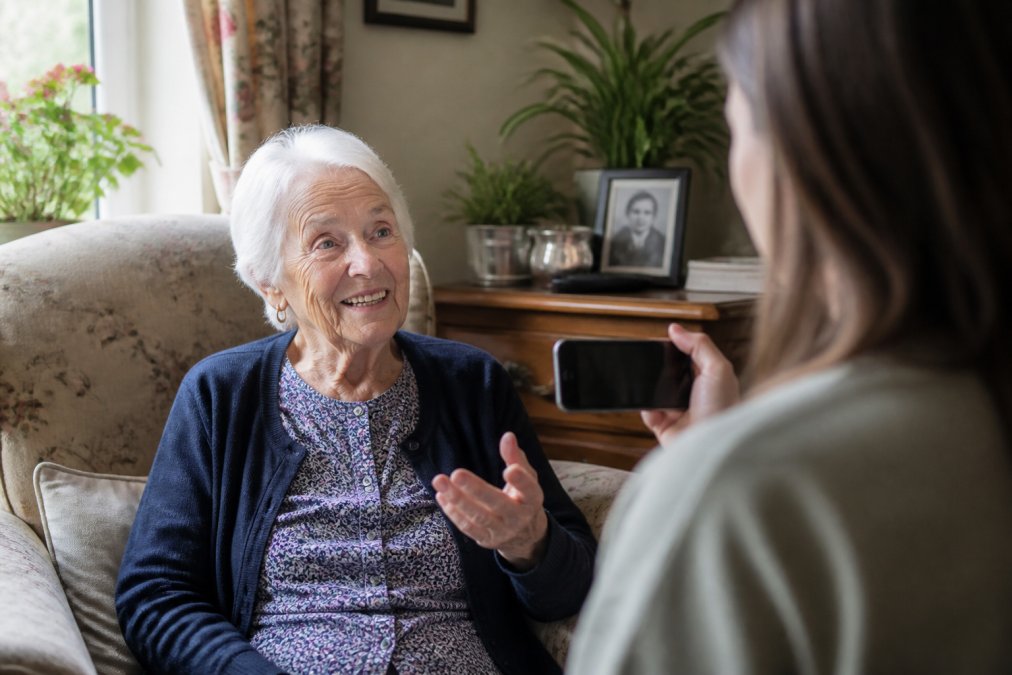
Try these openers:
- "What did your street look like when you were small?"
- "Who was the kindest person you knew growing up?"
- "What did your mother cook that you still think about?"
- "What's the biggest mistake you made, and what did it teach you?"
- "What do you want your grandchildren to know about you?"
Then stop talking. Silence feels awkward, but it's where the best material lives. Count to five before you fill a gap.
Step 3: Turn Recordings into Text with Voice-to-Text Biography Tools
Voice-to-text biography tools turn an audio file into a draft transcript. You upload the recording, the software listens, and text comes out the other end.
Accuracy varies. Clear speech in a quiet room gives usable results. Heavy accents, background noise, and overlapping speakers cause problems. Expect to fix names, place names, and dialect words by hand.
A practical workflow:
- Upload one recording at a time
- Run the automatic transcript
- Read it against the audio in short bursts
- Correct names and places first
- Save the corrected version separately
The UK Information Commissioner's Office guidance on handling personal data matters here. A recorded life story is personal data. If you use a cloud tool, check where the files are stored and who can access them.
Step 4: Learn How to Transcribe Oral History Accurately
Knowing how to transcribe oral history means knowing what to keep. A verbatim transcript captures every "um" and false start. A clean transcript reads well but loses the voice.
Most families want something in between. Keep the dialect, the odd grammar, and the rhythm. Drop the filler.
Practical rules:
- Keep regional words, even if a spellchecker objects
- Mark unclear words with square brackets, not guesses
- Note laughter and pauses in italics
- Never paraphrase a quote without marking it
The British Library's oral history collections show how professional archives handle this. They preserve the spoken word as spoken, then add context separately.
This is where ContinUnity helps. Its digital journal format keeps the original recording alongside the written entry, so nothing is lost in the tidy-up.
Step 5: Organise and Store Your Family Stories Securely
Storage is the step families skip, and it's the one that matters most. A recording on one phone is one dropped phone away from gone.
The three-copy rule works well:
- One copy on your device
- One copy in cloud storage
- One copy on a physical drive kept elsewhere
Name every file the same way: date, speaker, topic. "2026-03-14_Margaret_childhood" tells you everything in a glance.
Back up the transcripts too, not just the audio. And tell one other family member where everything lives.
Common Mistakes to Avoid When Capturing Life Stories Without Typing
The biggest mistake is waiting for the perfect setup. There isn't one. A phone propped against a mug of tea beats a studio you never book.
Other traps:
- Interviewing like a journalist. You're not after facts. You're after feeling.
- Recording in a kitchen. Hard surfaces bounce sound. Use a carpeted room.
- Doing it once. One long session tires everyone. Short and regular works better.
- Forgetting consent. Ask before you record, and ask before you share.
- Chasing completeness. A partial story told warmly beats a full one told reluctantly.
ContinUnity was built around that last point. Its focus on intergenerational connection means the process strengthens the relationship while it preserves the story, rather than turning a grandparent into a research subject.
Frequently Asked Questions
What is the best way to record an elderly relative's life story?
The best method is to use a simple voice recorder or your smartphone's voice memo app. Start with open-ended questions and let the conversation flow naturally. Keep sessions short, around 15-20 minutes, to avoid fatigue. For those who struggle with typing, voice-to-text biography tools can later convert recordings into written text. Always test your equipment beforehand and choose a quiet space.
Are there apps that turn voice recordings into written biographies?
Yes, several voice-to-text biography tools can transcribe audio into text. Some apps specialise in oral history and offer editing features to shape the transcript into a narrative. When choosing, look for accuracy, ease of use, and secure storage. ContinUnity offers a digital journal format.
How do I start an interview with a family member to capture their history?
Begin with a warm-up question about their childhood, such as 'What was your favourite game as a child?' Use interview questions for elderly relatives that are open-ended and encourage storytelling. Avoid yes/no questions. Let them lead the conversation and resist the urge to interrupt. Record the session if they're comfortable, and follow up with more questions in later sessions.
What equipment do I need to record high-quality life stories at home?
You can start with just a smartphone and a quiet room. For better audio, consider an external microphone that plugs into your phone or a dedicated digital recorder. Pop filters or windscreens help reduce background noise. Free or low-cost apps can handle recording and basic editing. Always do a test recording to check levels before the actual interview.
The hard part isn't the technology. It's starting before you have to. Every week you wait is a week of stories that only one person remembers. ContinUnity gives families a simple way to begin: a five-minute daily practice, a digital journal that holds voice and text together, and a structure designed to keep a family's legacy alive well beyond the documents. Get started with ContinUnity and give your family's stories somewhere to live.