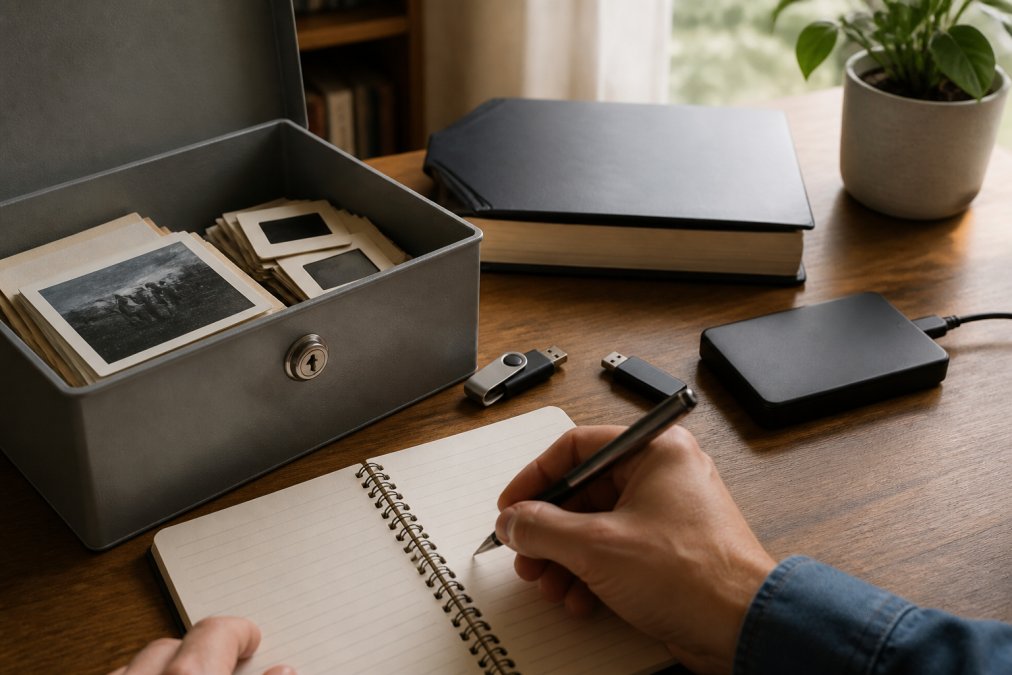
Table of Contents
- Why Securing Your Family Digital Archives Matters
- Assess What You're Protecting
- How to Organise Family Digital Files for Security
- Implement Encryption and Access Controls
- Best Cloud Storage for Family Photos and Documents
- Digital Legacy Planning: Ensuring Future Access
- Maintain and Monitor Your Secure Archive
- Frequently Asked Questions
Last Updated: 23 September 2026
Why Securing Your Family Digital Archives Matters
Your family's stories are irreplaceable. Photos from decades ago, voice recordings of grandparents, handwritten letters, these aren't just files. They're your heritage. Yet most families keep them scattered across devices, failing to secure family digital archives with any backup plan.
A single hard drive failure can erase generations. A forgotten password locks out memories forever. Without proper security, hackers can access intimate family moments. The risk isn't theoretical, it's happening to families right now.
Securing your family digital archives protects what matters most. It means your children inherit your stories intact. It means your grandchildren can access their roots decades from now. It means you sleep soundly knowing your legacy is safe, backed up, and accessible only to people you trust.
This guide walks you through exactly how to build that protection. We'll cover what you're protecting, how to organise it, how to encrypt it, and how to ensure future generations can access it. By the end, you'll have a practical system that works for your family, no tech expertise required.
Assess What You're Protecting
Before you secure anything, know what you're dealing with. Different types of family files need different approaches.
Start by listing your digital assets:
- Photos and videos (from phones, cameras, old USB drives)
- Documents (birth certificates, wills, insurance papers, property deeds)
- Audio recordings (voice memos, old cassettes converted to digital)
- Written memories (emails, letters, journal entries)
- Financial records (bank statements, investment accounts, pension details)
- Medical information (prescriptions, health histories, vaccination records)
Which of these do you currently have? Where are they stored right now? On your phone? Your laptop? An external drive gathering dust? A cloud service you set up years ago and forgot about?
Categorise by sensitivity. Some files are more vulnerable than others. Medical records and financial documents need stronger protection than holiday photos. Legal documents like wills need to be accessible to the right people after you're gone, but not to strangers.
Identify gaps. Many families realise they're missing crucial things. No recent recordings of grandparents' voices. No written explanation of why certain family decisions were made. No backup of photos from a deceased parent's phone.
This assessment takes an hour. It's worth doing before you build your security system.
How to Organise Family Digital Files for Security
Disorganised files are harder to protect and easier to lose. A clear folder structure makes security simpler and recovery faster.
Create a consistent naming system. Use dates and descriptions. Instead of "Photo 2024" or "IMG_1234", use "2024-12-25_Christmas_Family_Dinner" or "2026-01-15_Grandma_Birthday_Recording". This helps you find files later and prevents accidental duplicates.
Organise by category, then by year:
- Family_Photos / 2024 / January / Christmas
- Family_Documents / Legal / Wills
- Family_Documents / Medical / Prescriptions
- Family_Recordings / Audio / Grandparents
- Family_Memories / Letters / From_Dad
Keep the structure simple. Deeply nested folders become hard to navigate. Aim for three levels maximum: Category → Subcategory → Year or Specific Item.
Separate sensitive files from general ones. Put financial records, medical information, and legal documents in their own folder. This lets you apply stronger encryption or more restrictive access to sensitive material.
Create a master inventory. Use a simple spreadsheet listing what you have, where it's stored, and who should have access. This becomes invaluable if something happens to you. Your family won't waste time hunting for files, they'll know exactly where to look.
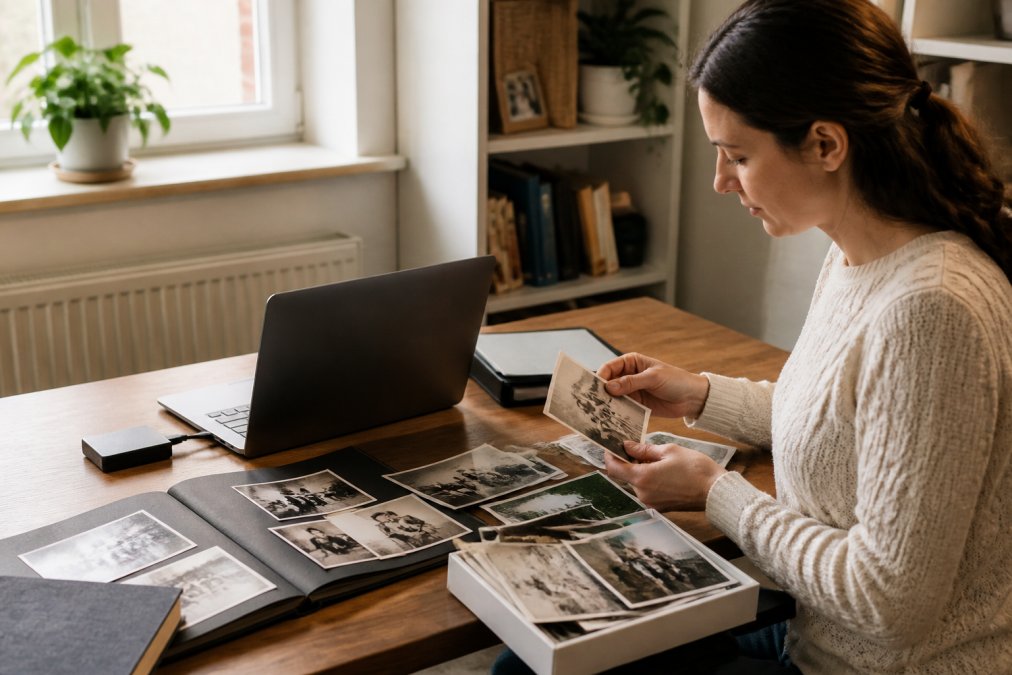
Consolidate from multiple sources. Before you secure anything, gather files from old phones, USB drives, email accounts, and cloud services. This is tedious but essential. You can't protect what you haven't found yet.
Once everything is in one organised location, the work of building secure family digital archives becomes manageable.
Implement Encryption and Access Controls
Encryption turns your files into unreadable gibberish without the correct password. Even if someone steals your hard drive, they can't access what's inside.
Encrypt your storage device. If you're using an external hard drive, use built-in encryption tools. Windows includes BitLocker. Mac includes FileVault. Both are free and straightforward to enable. Once activated, anyone trying to access your drive will need your password.
Use strong passwords. This isn't the place for "password123" or your birthday. Create passwords that are at least 16 characters long, mixing uppercase, lowercase, numbers, and symbols. Better yet, use a password manager to generate and store them securely.
Control who has access. Decide now who should see what. Should your teenage children have access to your financial records? Probably not. Should they have access to family photos and stories? Likely yes. Different files need different permission levels.
Create different access levels. You might have:
- View-only access for extended family (they can see photos but not edit or delete)
- Edit access for immediate family (they can organise and add to the archive)
- Admin access for you (you control everything)
Most cloud storage services let you set these permissions easily (Cloud computing). You don't need technical knowledge to do it.
Back up your passwords separately. If you encrypt something and then forget the password, that file is gone forever. Store passwords in a secure password manager, not in a document on your computer. Consider giving a trusted family member access to your password manager in case something happens to you.
Best Cloud Storage for Family Photos and Documents
Cloud storage keeps your files safe from physical disasters. If your house floods or burns, your digital archive survives.
What matters in cloud storage for family archives:
- Reliability and uptime (your files need to be there when you need them)
- Encryption and privacy (files should be protected in transit and at rest)
- Ease of sharing (you need to give family members access without complexity)
- Longevity (will the service still exist in 20 years?)
- Compliance with data protection standards (your family information deserves proper safeguards)
Many families use multiple services for redundancy. One family member might keep photos on one service, documents on another. This spreads risk, if one service has problems, you still have backups elsewhere.
Consider your family's needs. A small family with modest storage needs has different requirements than a large extended family archiving decades of material. Think about how many people need access, how much storage you'll need, and whether you're willing to pay for a service or prefer free options.
Test access before you need it. Set up your cloud storage now, upload a few files, and make sure family members can actually access them. Nothing's worse than discovering during an emergency that your system doesn't work the way you thought.
Digital Legacy Planning: Ensuring Future Access
Securing your archive means nothing if your family can't access it after you're gone. Digital legacy planning ensures they can.
Write down your access information. Create a document listing:
- Where your files are stored (cloud service name, external drive location, etc.)
- How to access them (usernames, where passwords are kept)
- Who has permission to access what
- What to do with the files after you're gone
Store this document somewhere safe, ideally with your will or in a physical safe. Digital legacy planning is about making your family's life easier when they're grieving.
Designate a digital executor. This is someone you trust to manage your digital assets after you pass away. Tell them explicitly what you want done with your files. Do you want them shared with the whole family?
Maintain and Monitor Your Secure Archive
Security isn't a one-time task. It requires ongoing attention.
Check your backups regularly. Once a month, verify that your backups are working. Try accessing a file from each backup location. If something's broken, you want to know now, not when you desperately need that file.
Frequently Asked Questions
What is the best way to store family digital archives securely?
Use a combination of encrypted cloud storage and local backups. Store originals in a reputable cloud service with end-to-end encryption, keep an offline copy on an external hard drive stored in a safe location, and use password protection on all devices. Consider a dedicated platform designed for family legacy preservation, which often includes built-in security features alongside your archive.
How do I ensure my family's digital legacy is accessible to future generations?
Document access instructions and store them separately from your passwords. Create a digital legacy plan that names who should inherit access and how they'll retrieve credentials. Use a password manager that allows you to grant access to trusted family members after your death. Platforms designed for digital legacy planning often include features that help manage access for designated heirs.
Are cloud storage services safe for sensitive family documents and photos?
Yes, if you choose providers with strong security standards. Look for services offering encryption in transit and at rest, two-factor authentication, and transparent privacy policies. Sensitive documents should be encrypted before uploading. Avoid storing them on general consumer services without robust security. Dedicated family archive platforms often provide safeguards specifically designed for personal and sensitive content.
How can I protect my digital family archive from data loss?
Follow the 3-2-1 backup rule: keep three copies of your data, on two different types of media, with one copy stored offsite. Store originals in cloud storage, maintain a local backup on an external drive, and consider a second backup on another device. Test your backups annually to ensure they're working. Regular automated backups reduce the risk of losing irreplaceable family photos and documents to device failure or accidental deletion.